

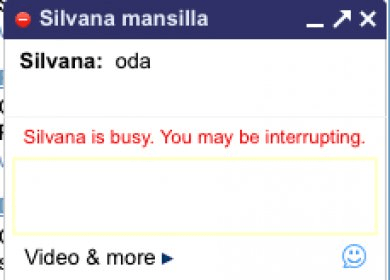
Google Talk is an instant messaging and chatting application.
Chatting through the Internet has become popular in the latest years, especially due to the old miRC program that was a state-of-the-art program at that time. Nowadays, there are a lot of competitors out there on the market when it comes to instant messaging. Yahoo Messenger and Google Talk are just some of the most popular names. Google Talk is also known as Gtalk, Google Talk or Gchat. This is a perfect tool for you to stay in contact with all your friends. Clearly, as its name states, you need a Google account in order to use this product.
You know how hard it is to keep in touch with your family during the holiday season, and is even harder for a military out on the battlefield to communicate with their families. Thanks to the video chat feature you can keep in contact with your family and friends regardless of how far they are. Gtalk is really rich in features. For example, you can chat with a friend, but at the same time, if another friends wants to talk to you as well, you can simply invite them to the chatting room by clicking the "Group Chat" button.
You can use emoticons, set status messages, send files or create voice mails. In case you are not online on Google Talk, and a friend is trying to reach you, the message they wrote to you will be displayed to you as soon as you log in, due to the “history” feature.
Enjoy chatting in a feature-rich, entertaining and effective environment due to this great program called Google Talk.






Comments (65)
You could try Pidgin or Trillian. These two are worth trying.
Personally, I will never switch to Hangouts. It feels weird, tired & sluggish, not to mention, it requires Chrome to be running in the background.